Service 02 / 04
Web & E‑commerce
Development
Fast, accessible websites and stores — hand-written HTML, CSS and JavaScript, WordPress themes that are easy to edit, and WooCommerce, Shopify or VTEX. The stack follows the project.
- HTML
- SCSS
- JavaScript
- WordPress
- WooCommerce
- Shopify
- VTEX
The stack
The right tool, not the favourite one.
Code first; a CMS when people need to edit; a framework when the product needs one. This is how the choice gets made — and what each option asks of you afterwards.
E-commerce
Online stores, from catalogue to checkout.
A shop is a website with a harder job: every screen stands between a customer and a sale. New stores, redesigns and fixes to the one you already run — designed and built by the same person.
-
Catalogue and filters
Categories, attributes and filters structured around how customers really shop, so the right product is three clicks away, not ten.
-
Product pages built around the decision
Photos, price, stock, delivery and the answer to the obvious question — above the fold, on a phone.
-
A checkout without friction
Guest checkout, the fewest fields that work, clear errors and the payment methods your customers expect.
-
B2B as well as B2C
Price lists, customer-specific catalogues and quick reorder flows for trade customers.
-
Accessible from product to payment
Keyboard, screen reader and zoom tested through the whole purchase — in the EU, online shops are now covered by the European Accessibility Act.
-
Measured after launch
Conversion, basket value, checkout drop-off and speed, agreed before launch and compared after it.
Platforms
-
WooCommerce
Content-led stores already on WordPress, with full control of the templates.
-
Shopify
Teams that want less maintenance and a hosted checkout, with a custom theme on top.
-
VTEX
Larger B2B and B2C operations — I led a B2B storefront on VTEX from design to launch.
UX for editors
The admin is an interface too.
A site is used every week by the people who update it. So the editing side — WordPress, Kirby or any other CMS — is designed with the same care as the pages visitors see.
-
Fields shaped like the content
A product has a price and a size, not one big text box — so entries stay consistent and the design can rely on them.
-
Guard rails, not handcuffs
Blocks that can’t break the layout, image sizes handled for you, and character limits that match the design.
-
Plain language in the panel
Labels and help text written for the people who edit, with a preview of the page before it goes live.
-
The right access for each role
Editors edit, admins configure — and nobody can switch off the thing that keeps the site fast.
-
A handover that sticks
A recorded walkthrough of the panel with written notes, so new people on the team aren’t starting from zero.
The build
From content model to launch.
Five stages, each ending with something you can see and sign off. The content comes first, because a site built around real content doesn’t need rebuilding when it arrives.
-
Stage 01
Discovery and content model
What the site has to do, who edits it and what the content really is — types, fields and how they relate.
You sign off A sitemap and a content model
-
Stage 02
Architecture and stack
The stack chosen around the content and the team, hosting and deployment agreed, performance budgets set.
You sign off A written technical plan
-
Stage 03
Components
Semantic, mobile-first components built from the design tokens, each one tested on its own before pages are assembled.
You sign off A component library in code
-
Stage 04
Content and integrations
The editing panel set up, real content loaded, and the forms, analytics and third-party services connected.
You sign off A working site on staging
-
Stage 05
Testing and launch
A real phone, browser emulation, keyboard and screen reader, speed and SEO checks — then launch, monitoring and a handover.
You sign off A live site and written notes
Targets
What I aim for.
The targets I work to on sites I build end to end. When other people are involved, or I’m editing an existing build, they apply to the parts I build.
-
Speed
Fast on a real phone
Green Core Web Vitals, measured with mobile throttling and checked on a real phone. On heavier stacks, or someone else’s build, I’ll tell you where the limits are.
-
Accessibility
WCAG 2.2 AA
In everything I build: keyboard, screen reader and zoom tested by hand, contrast set by ratio, and motion that follows the visitor’s settings.
-
Search
Indexable by default
Semantic HTML, clean URLs, metadata, structured data and a sitemap from day one, with redirects mapped when an old site moves.
-
Security
Set up with care
SSL, backups and the least access each account needs, with secrets kept out of the code. Keeping it updated depends on who looks after the site.
AI in the work
How I use AI.
I use AI where it saves time without costing quality, and I’m open about it. It speeds up the work; it doesn’t make the decisions.
Where it helps
- Scaffolding and repetitive code, reviewed line by line
- A second pair of eyes on code, copy and edge cases
- Test cases, documentation drafts and content migration
- Research and quick prototypes to compare options
Where people decide
- Design and UX decisions, and the reasons behind them
- Accessibility judgement — tested by hand, with real tools
- Architecture, security and anything touching your data
- What ships: every line is read before it’s merged

Deliverables
What you get.
The usual output of this service. Every project is scoped on its own, so the final list is agreed before work starts.
- Hand-written, accessible templates
- Custom WordPress themes on ACF and Elementor
- Online stores: catalogue, product pages and checkout
- Performance targets, tested on a real phone and in emulation
- Analytics set up at launch, where it’s in scope
- A recorded walkthrough of the editing panel, with written notes
Selected work
Where it’s been put to work.
-

ERP HEADtoHEAD
One event brand selling two events, in two countries and two currencies — rebuilt as a single site with a booking engine that bills each order from the right company.
-

Leonora E-commerce
A complete redesign of Grupo Leonora's B2B store on VTEX IO — research, wireframes, an atomic design system and every screen in Figma — and the e-commerce tech lead role through the build, with the developers at Econverse.
-
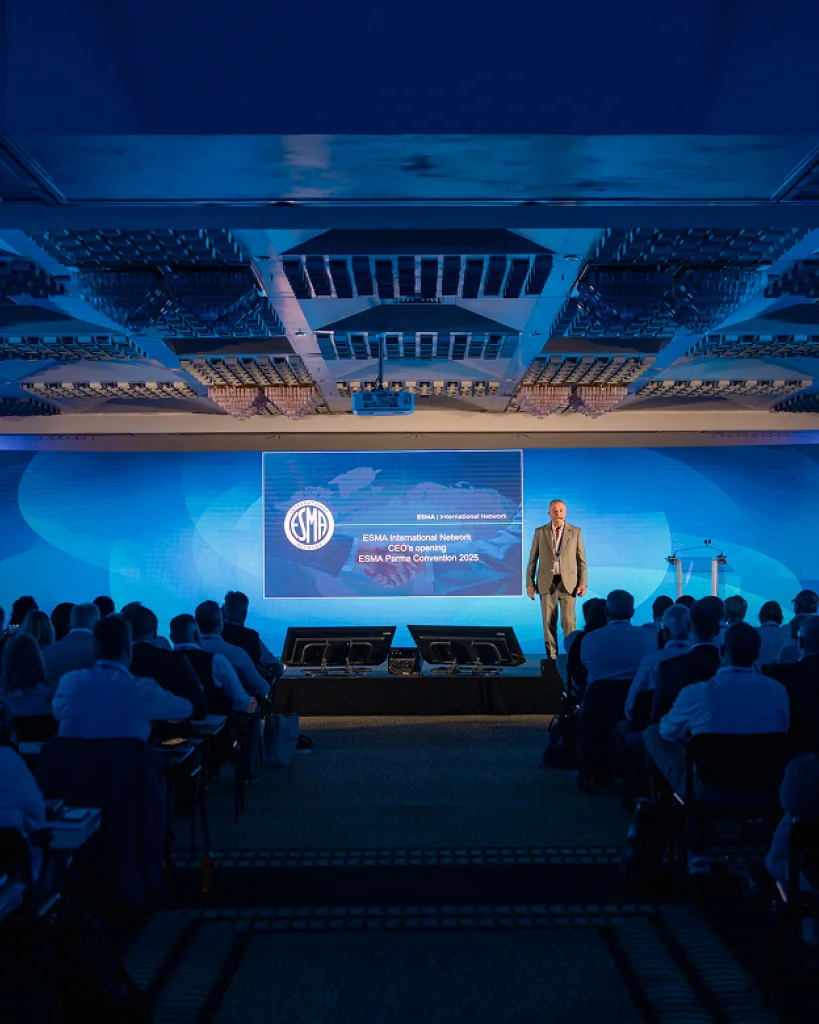
ESMA International Network
The design of a fifty-year-old FMCG trade network's new platform — public site, members' dashboard and native app — on one design system shared by all three.
-

Profit Pays
A website for a construction cost consultancy, taken from the first idea to launch, with a content system the team extends themselves as the offer grows.
-

Irish School of Motoring
The UX and UI of a driving school's new site — car lessons and seven commercial licences around one lesson template and one booking panel.
-

Trident Holiday Homes
The research and the design of a direct-booking site for self-catering holiday homes across Ireland — user tests, analytics and heatmaps first, then every page and component.
FAQ
Before you ask.
Still have a question?
Ask it in the chat — Sky and Ritalino will pass it on, and you’ll get a straight answer.
Ask in the chatChoosing the stack
WordPress or custom code?
It depends on who edits the site and how often. If your team updates content every week, a CMS pays for itself; if the site changes twice a year, hand-written code is faster, lighter and cheaper to keep. You get a recommendation with the reasons, not a default.
Can you work on an existing site?
Yes: fixes, new sections, speed and accessibility work, or a gradual rebuild. It starts with a short review of the code and the hosting, so the quote reflects what’s really there. On someone else’s build, what I can promise on speed and accessibility covers the parts I build.
Do you use a JavaScript framework?
When the project needs one, usually for app-like interfaces. Astro is my preference; React, Vue or Next.js when the product or your team calls for them. Most websites are lighter and last longer without one.
E-commerce
Which platform should we use?
It depends on the catalogue, the integrations and who runs the store. WooCommerce suits stores on a WordPress site, Shopify retail with less to maintain, and VTEX larger B2B and B2C operations, where I led a B2B storefront from design to launch. You get a recommendation with the trade-offs.
Can you improve our existing store?
Yes, and it’s often the best return. It starts with a UX and conversion review of product pages, cart and checkout; the fixes are then ordered by impact.
Do you set up payments, shipping and tax?
The set-up and the front end, using the platform’s own payment, shipping and tax tools. Integrations with ERPs or warehouses need back-end work, so they’re scoped with a back-end developer or the specialists involved.
Timing and after launch
How long does a build take?
The timeline is planned with you after the scoping call, once the scope is clear. As a rough guide: a landing page takes one to two weeks, a full site six to twelve.
Can I edit the site myself?
That’s the point of the editing side: structured fields, plain labels and blocks that can’t break the layout, plus a recorded walkthrough of the panel with written notes.
Who looks after hosting and updates?
The hosting stays in your name. I help choose it and set up deployment, backups and SSL, and updates can run under a monthly retainer or be handed to your team.
Do you use AI to write code?
Yes, as an assistant: for scaffolding, reviews and repetitive work. I read and test every line before it ships, and the design, accessibility and architecture decisions are mine.