Service 01 / 04
UX/UI &
Design Systems
Interfaces that are researched, prototyped and tested, then built on a system of tokens and components that carries into code.
- Research
- UX
- UI
- Design systems
- Accessibility
- Figma
Research
Start from what people actually do.
Research sized to the project and the budget — enough to replace guesses with evidence, never a report that sits in a drawer.
-
Stakeholder interviews
What the business needs, what has been tried, and what success looks like — written down and agreed.
-
What you already know
Analytics, search terms, support tickets and sales questions: most teams hold more evidence than they think.
-
Talking to users
Short interviews with the people who use the product, where there is access to them and time in the plan.
-
A look at the field
How competitors and the tools your users already know solve the same problem — to borrow conventions, not copy screens.
-
Journeys and pain points
The steps people take today, where they stall, and which of those moments the design has to fix first.
-
Gaps named, not guessed
Whatever the research couldn’t answer is listed as an assumption, so it gets tested rather than forgotten.
UX
Structure before style.
How the product is organised and how people move through it, settled in grey boxes — where changes are cheap — before any colour goes on.
-
Information architecture
Navigation, labels and page structure that match how your users think, not how the company is organised.
-
User flows
Every path through the critical tasks — sign-up, search, purchase, booking — including the errors and the dead ends.
-
Wireframes
Low-fidelity layouts for every key screen, to agree on content and hierarchy before the visual design starts.
-
Clickable prototypes
The main flows linked together in Figma, so everyone reviews how it works, not just how it looks.
-
Content first
Real headings, labels and error messages drafted alongside the layout — placeholder text hides problems.
-
Edge cases on paper
Empty states, long names, slow connections and missing data designed up front, not discovered in the build.
UI
Visual design, with reasons.
Visual design that carries the brand and stays easy to use: every colour, size and motion chosen for a reason you can read in the file.
-
Type and layout
A type scale and grid that make pages easy to scan on any screen, with room for real content to breathe.
-
Colour by contrast ratio
Every text and control colour pair measured and documented. I’m colour blind: ratios, not eyesight, decide.
-
Every state designed
Hover, focus, active, disabled, loading, error and empty — the states developers usually have to invent.
-
Motion with purpose
Transitions that explain what changed, with a calm version for people who ask their system for less motion.
-
Icons and imagery
A consistent icon set and art direction for photography and illustration, so new pages don’t drift.
-
Files ready to build
Organised Figma files, named layers and specs, so nobody has to guess during the build.
Design systems
Atoms, tokens and components — in Figma and in code.
An atomic, token-based system mirrored one to one in code, so every new page is faster and more consistent than the last.
-
Audit what exists
Every button, card and form in the product collected and compared, so duplicates are merged and gaps are visible.
-
Tokens named by purpose
Colour, type, spacing, radius, elevation and motion as tokens — surface, text-muted, focus — not raw values.
-
Atomic components
Atoms combine into molecules and organisms, each with its variants, states and accessibility notes.
-
Figma ↔ code, one to one
The same names, tokens and states in the Figma library and in the code, so design and build don’t drift apart.
-
Documentation people read
When to use each component, when not to, and examples — written for designers and developers alike.
-
A way to grow
A changelog and a simple process for proposing new pieces, so the system keeps up with the product.
Accessibility
Accessible from the first wireframe.
WCAG 2.2 AA is designed in, not audited in at the end — it costs far less than fixing it later, and the result is better for everyone.
-
Contrast and colour
Ratios documented for every pair, and colour never the only way to tell things apart.
-
Focus and keyboard
Visible focus states, a logical order, and nothing that only works with a mouse or by dragging.
-
Targets and spacing
Controls at least 24 × 24 pixels with room around them, so they’re easy to hit on any device.
-
Forms and errors
Visible labels, clear instructions and errors that say what went wrong and how to fix it — in words.
-
Headings and structure
An outline that screen reader users can navigate, noted on the designs for the build.
-
Motion and zoom
A reduced-motion version of every animation, and layouts that hold at 200% text and 320 pixels wide.
Responsive
Designed for the phone in someone’s hand.
Most visits start on a phone. Layouts are designed across real widths, not as a desktop page squeezed into a column afterwards.
-
Mobile first
The smallest screen designed first, so the essentials are decided before there is room for extras.
-
Fluid, not just breakpoints
Type and spacing that scale smoothly between sizes, with breakpoints where the content needs them.
-
Touch and thumbs
Targets, gestures and the thumb zone considered, with an alternative to every swipe and drag.
-
Fast by design
Image sizes, fonts and effects budgeted in the design, so the page is quick on a mid-range phone.
E-commerce and conversion
Design that helps people decide.
For shops and lead-driven sites, every screen stands between a visitor and a result. The design removes doubt and friction on the way.
-
Catalogue and search
Categories, filters and search shaped around how customers look for products.
-
Product pages
Photos, price, stock, delivery and the answer to the obvious question, where people look for them.
-
Cart and checkout
The fewest steps and fields that work, guest checkout, clear costs and errors that help.
-
Trust and clarity
Reviews, guarantees, returns and contact details placed where hesitation happens.
-
Landing pages
One page, one goal: a clear offer, the proof behind it and a single next step.
-
Measured, not assumed
The numbers that matter agreed up front — conversion, drop-off, basket value — and checked after launch.
Testing
Checked with people before it’s built.
Testing scaled to the project: a few sessions often reveal most of the problems. Where the traffic is there to support it, changes can be compared with A/B tests after launch.
-
Usability sessions
People from your audience try the prototype while thinking aloud; the findings are ranked by how much they hurt.
-
Quick checks
First-click and preference tests for navigation and key decisions, when a full session is more than the question needs.
-
Accessibility checks
Contrast, focus order and structure reviewed on the designs, before a line of code.
-
A/B tests, where they make sense
On live sites with enough traffic, set up with your analytics to compare versions of a page or flow.
Deliverables
What you get.
The usual output of this service. Every project is scoped on its own, so the final list is agreed before work starts.
- Research findings and journey maps
- Wireframes and clickable prototypes
- High-fidelity UI for desktop and mobile
- A design system: tokens, components and documentation
- Accessibility notes on every component, ready for the build
- Usability findings, where testing is in scope
Process
How it runs.
Three steps, each one handing over to the next — so you always know what’s happening and what comes after.
-
Map the goals, the users and what already exists
-
Wireframe, prototype and test the critical flows
-
Refine to high fidelity, on a system of tokens and components
Selected work
Where it’s been put to work.
-
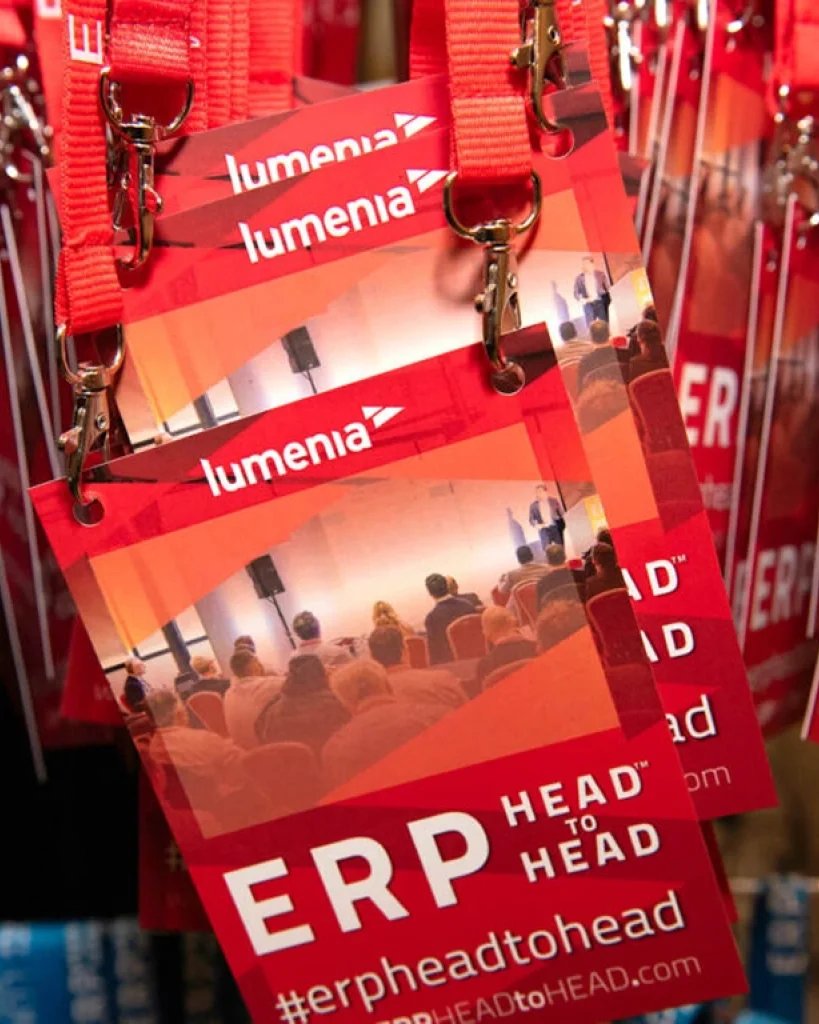
ERP HEADtoHEAD
One event brand selling two events, in two countries and two currencies — rebuilt as a single site with a booking engine that bills each order from the right company.
-

Leonora E-commerce
A complete redesign of Grupo Leonora's B2B store on VTEX IO — research, wireframes, an atomic design system and every screen in Figma — and the e-commerce tech lead role through the build, with the developers at Econverse.
-
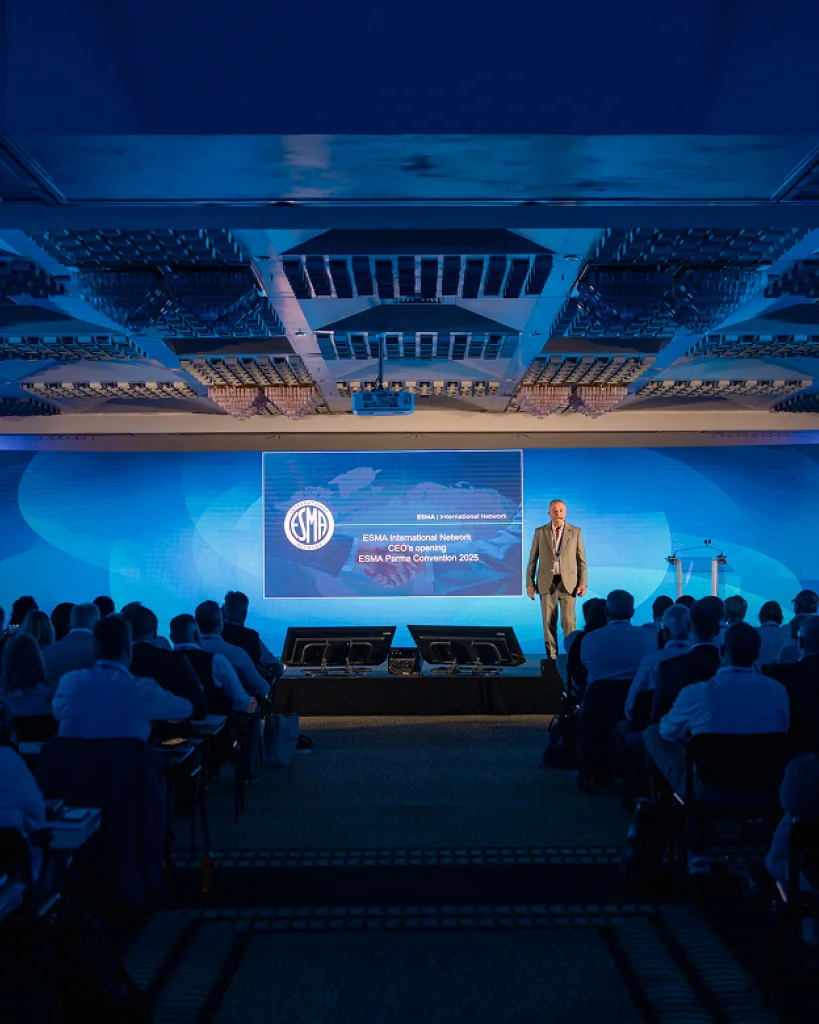
ESMA International Network
The design of a fifty-year-old FMCG trade network's new platform — public site, members' dashboard and native app — on one design system shared by all three.
-

Profit Pays
A website for a construction cost consultancy, taken from the first idea to launch, with a content system the team extends themselves as the offer grows.
-

Irish School of Motoring
The UX and UI of a driving school's new site — car lessons and seven commercial licences around one lesson template and one booking panel.
-

Trident Holiday Homes
The research and the design of a direct-booking site for self-catering holiday homes across Ireland — user tests, analytics and heatmaps first, then every page and component.
FAQ
Before you ask.
Still have a question?
Ask it in the chat — Sky and Ritalino will pass it on, and you’ll get a straight answer.
Ask in the chatThe work
Do you run user research, or work from what we already know?
Both, scaled to the project. Where there’s budget and access to users: short interviews and usability tests. Where there isn’t: your analytics, support tickets and stakeholder interviews — and any gaps are named, not guessed.
Is accessibility part of the design?
From the first wireframe. Contrast, focus order, target sizes and every state are designed, not added during the build.
Can you design inside our existing design system?
Yes. I work with your components and tokens, and flag where the system needs a new piece rather than adding one-off patterns.
Design systems
We already have a UI kit. Do we need a design system?
Not always. A kit is a set of parts; a system adds the rules — tokens, usage and documentation — that keep new pages consistent. A short audit shows which of the two you need.
What do the tokens cover?
Colour, type, spacing, radius, elevation and motion, named by purpose (surface, text-muted, focus) rather than by value, with the contrast ratio documented for every colour pair.
Figma only, or code as well?
Both, mirrored one to one: the same names, tokens and states in Figma and in code, so design and build don’t drift apart. Either half can be done on its own.
Working together
How do we review the work?
In Figma, with comments on the frames, and on a clickable prototype for the key flows. Reviews close each stage, so feedback lands before the next one starts.
Will we get the Figma files?
Yes. They’re yours, organised with components and styles, so your team or another developer can pick them up.
Do you also build what you design?
Yes — the same person takes it to production and keeps it close to the design, even when plans change. You can also hire the design on its own.