Service 03 / 04
Accessibility &
Consulting
Accessibility audits to WCAG 2.2 AA, performance and UX reviews, code and stack advice, and mentoring, for your own team or alongside it.
- WCAG 2.2
- Audits
- Performance
- UX reviews
- Mentoring
Accessibility
Accessibility audits to WCAG 2.2 AA.
An audit shows what stops people using your site, how much it matters and how to fix it. Automated tools and AI help me find issues faster; every finding is checked by hand.
-
Automated checks
axe and similar tools across every template and state.
-
Keyboard and zoom
Every page used without a mouse, with text at 200% and the page at 400%.
-
Screen reader
The main tasks end to end with NVDA, and the accessibility tree checked in the browser.
-
Contrast and vision
Every colour pair measured, and pages checked in colour-vision and low-vision simulators.
-
Content and forms
Headings, links, alt text, labels and errors, read the way assistive technology reads them.
How an audit runs
-
Scope
Agree the standard and the pages
WCAG 2.2 AA, the key templates and the main journeys.
-
Test
Tools first, then by hand
Automated checks, then keyboard, screen reader and simulators.
-
Report
Ranked by impact
Each issue with where it is, who it affects and how to fix it.
-
Fix and retest
Until it holds
I fix the issues or review your team’s fixes, retest, and help write the accessibility statement.
Why now
-
Since 2025
In the EU
Since 28 June 2025, the European Accessibility Act covers many services sold to consumers, online shops included.
-
Since 2015
In Brazil
The Lei Brasileira de Inclusão has required accessible websites since 2015.
-
Not a widget
Overlays don’t change the code, and often get in the way. The fixes have to be in the site itself.
-
Not legal advice
The work follows WCAG 2.2 AA, the standard the laws point to — there’s more in my guide to web accessibility. For legal certainty, talk to a lawyer.
Performance
Faster pages.
A review of how the site loads and responds, then fixes in the order users will feel them.
-
Core Web Vitals
Loading, responsiveness and layout stability, measured in the lab and from real visits where there’s data.
-
What slows it down
Images, fonts, scripts, third-party tags and the server, each weighed by its cost.
-
Before and after
The same measurements repeated after the fixes, so the change is on record.
- LCP How soon the main content shows
- 2.5 s or less
- INP How quickly the page answers a tap or a click
- 200 ms or less
- CLS How much the page jumps about as it loads
- 0.1 or less
Measured at the 75th percentile of real visits, on phones and desktops.
UX and conversion
Where people get stuck.
A review of the journeys that matter — sign-up, enquiry, purchase — with your analytics alongside.
-
Journeys, step by step
The main tasks walked through as a first-time visitor, noting every doubt and dead end.
-
Forms and checkout
Fields, errors, costs and trust signals, where most of the drop-off hides.
-
Ranked recommendations
Quick wins first, then bigger changes, and what to measure to know they worked.
Code and stack
A second opinion on the code.
Before a rebuild, when a site has grown hard to change, or when the team can’t agree on a stack.
-
Front-end review
HTML, CSS and JavaScript read for structure, accessibility and performance.
-
Choosing a stack
A recommendation with the trade-offs, not a favourite.
-
A written plan
What to keep, what to change and in what order.
Mentoring
Teaching the craft, one to one or as a team.
For people starting out in web design or development, and for teams that want a better process.
-
One to one
Starting out
For people starting a career in web design or development. I’ll help you skip the mistakes I made and learn what matters, in the order it matters. Paid one-to-one sessions, rates on request.
-
Team workshops
Accessibility, design systems and ways of working, using your own projects.
-
Reviews and pairing
Design critiques and code reviews that explain the why.
Deliverables
What you get.
The usual output of this service. Every project is scoped on its own, so the final list is agreed before work starts.
- WCAG 2.2 AA audit report, issues ranked by impact
- Fixes in design and in code, and a retest
- An accessibility statement for the site
- Performance review, measured before and after
- UX and conversion review with ranked fixes
- Written stack advice, mentoring and team workshops
Process
How it runs.
Three steps, each one handing over to the next — so you always know what’s happening and what comes after.
-
Understand the goals, the team and where it’s stuck
-
Test and measure, then rank what to fix by its impact on people
-
Fix, document and leave the team able to keep it that way
Selected work
Where it’s been put to work.
-
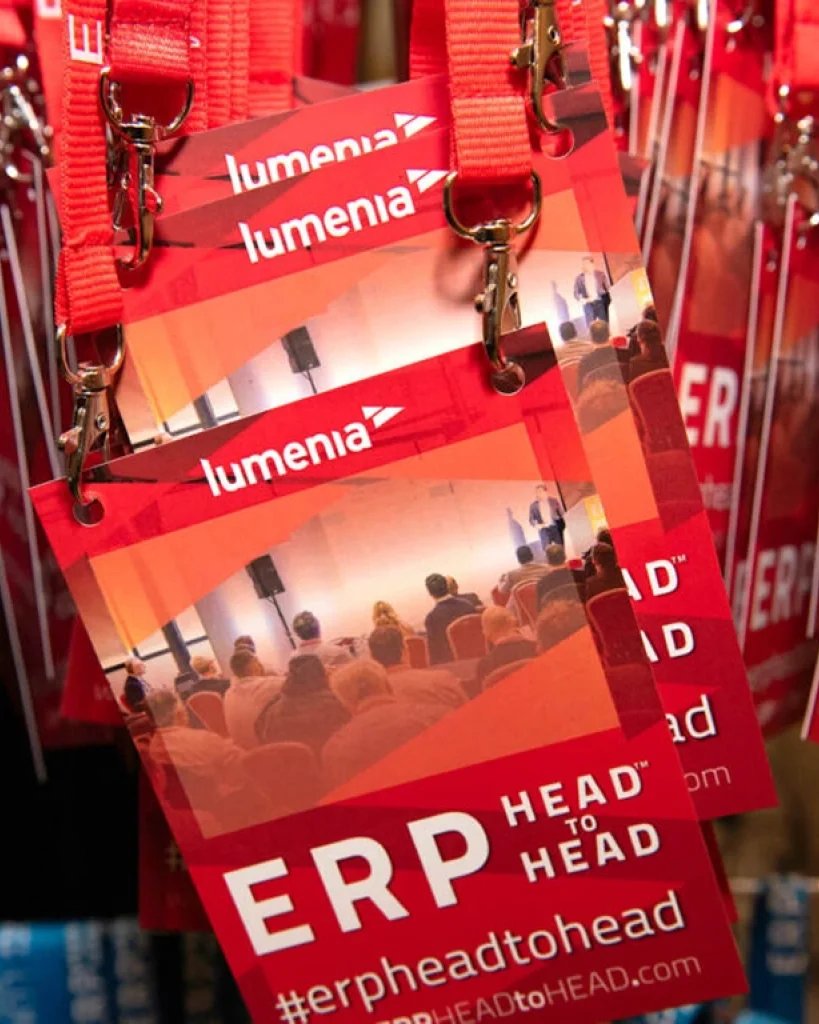
ERP HEADtoHEAD
One event brand selling two events, in two countries and two currencies — rebuilt as a single site with a booking engine that bills each order from the right company.
-

Leonora E-commerce
A complete redesign of Grupo Leonora's B2B store on VTEX IO — research, wireframes, an atomic design system and every screen in Figma — and the e-commerce tech lead role through the build, with the developers at Econverse.
-

ESMA International Network
The design of a fifty-year-old FMCG trade network's new platform — public site, members' dashboard and native app — on one design system shared by all three.
-

Profit Pays
A website for a construction cost consultancy, taken from the first idea to launch, with a content system the team extends themselves as the offer grows.
-

Irish School of Motoring
The UX and UI of a driving school's new site — car lessons and seven commercial licences around one lesson template and one booking panel.
-

Trident Holiday Homes
The research and the design of a direct-booking site for self-catering holiday homes across Ireland — user tests, analytics and heatmaps first, then every page and component.
FAQ
Before you ask.
Still have a question?
Ask it in the chat — Sky and Ritalino will pass it on, and you’ll get a straight answer.
Ask in the chatAccessibility audits
What does an audit include?
Automated checks, then manual testing against WCAG 2.2 AA with a keyboard, a screen reader and simulators; a report with each issue’s impact, location and fix; and a retest once the fixes are in.
How long does an audit take?
The timeline is planned with you after the scoping call. As a rough guide, one to two weeks for most small to mid-sized sites, report included.
Can you fix the issues as well?
Yes, in design and in code, or I work alongside your developers and review their fixes.
Can you make our site fully accessible?
I can test it, fix what I find and retest. What I build, I can stand behind; parts built or changed later by others depend on them, so a retest after big changes is worth planning.
Reviews and mentoring
Can you work with our in-house team?
Yes: workshops, pairing and reviews that leave the team with a better process, not a dependence on me.
I’m just starting out. Can you help?
Yes, in paid one-to-one sessions. If you want to work in web design or development, I’ll help you study what matters, in the order it matters, so you don’t repeat the mistakes I made teaching myself.
How are sessions run?
On video calls, with a written summary and next steps after each one; longer mentoring adds written reviews in between.
How is consulting priced?
By the hour for advice and mentoring, and at a fixed price for audits and workshops.